01. Overview
Six Months. Four Projects. One Designer.
Yada yada
30% Magic
In data visualisation, it's often the small UI decisions that make all the difference. Elements like typography, spacing, and content play crucial roles in how users perceive and interpret data. By honing in on these nuances, we can enhance the user experience and convey information more effectively.
Design Foundation
The Power of Boring
Solving core problems goes beyond design—it starts with effective resource allocation. With a fresh perspective, I identified key process improvements to accelerate the work.
The UX Model (YouTube)
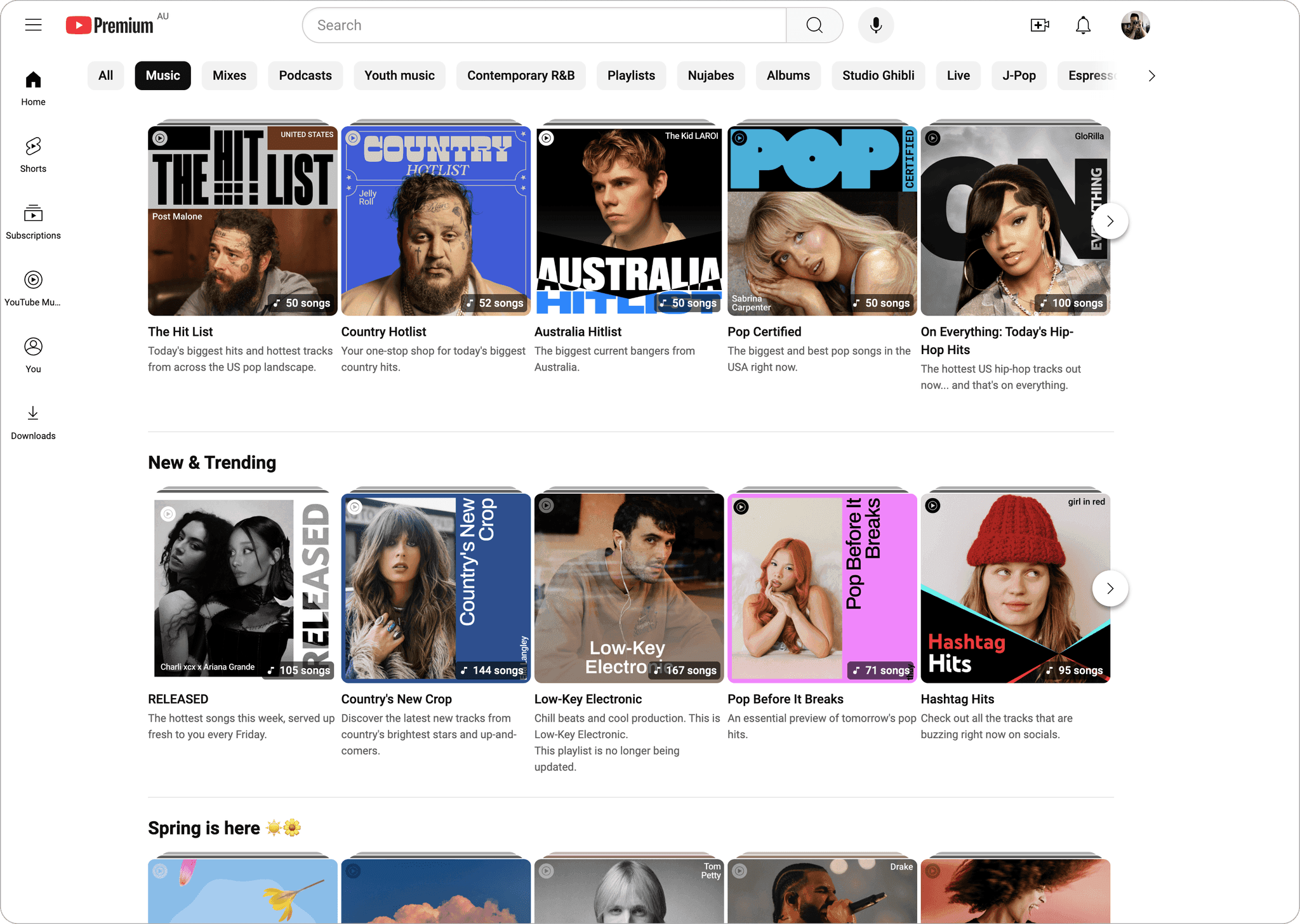
The Desisgn
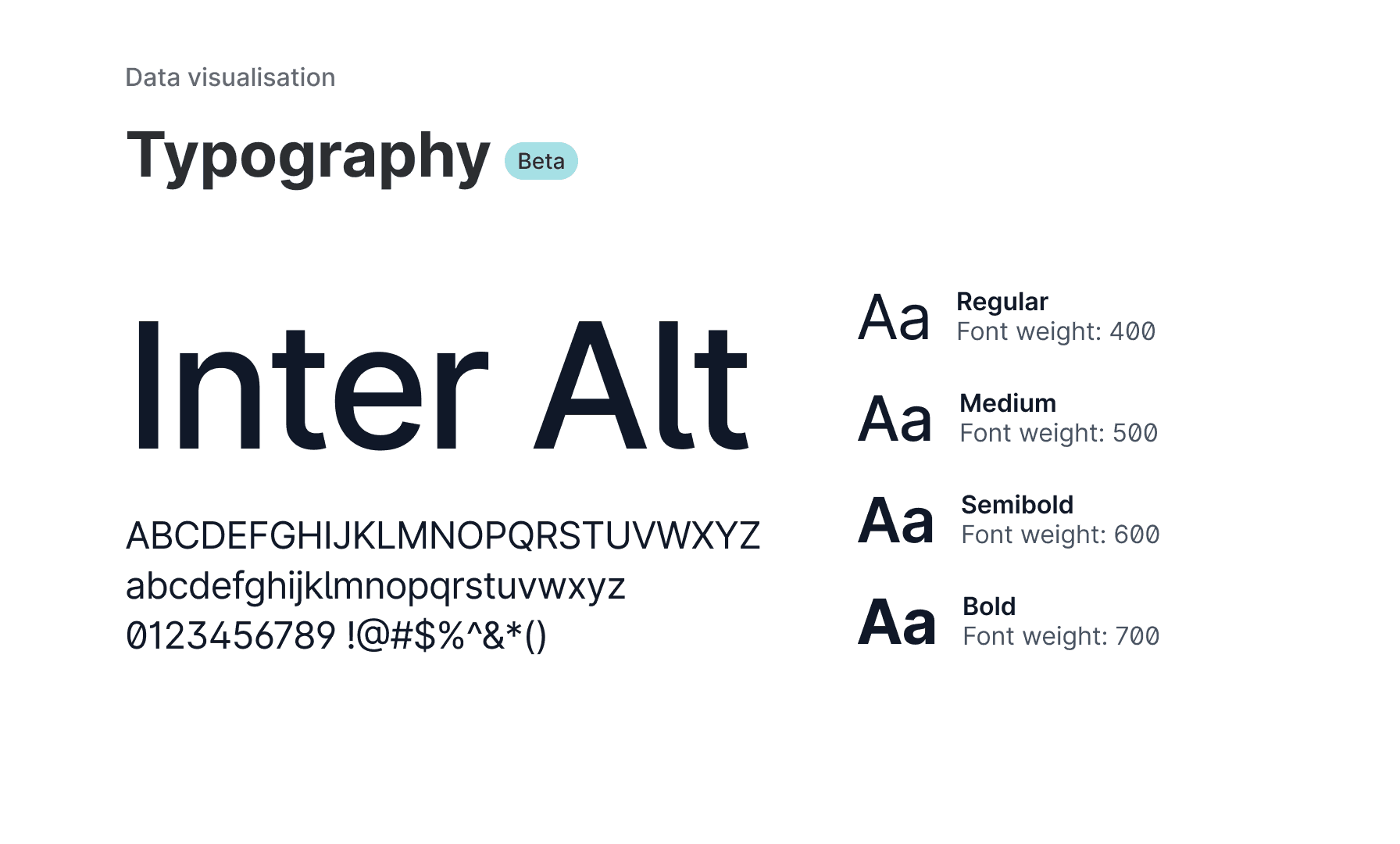
Font: We used the Inter font for its readability and flexibility. We also selected alternative character options to enhance legibility.
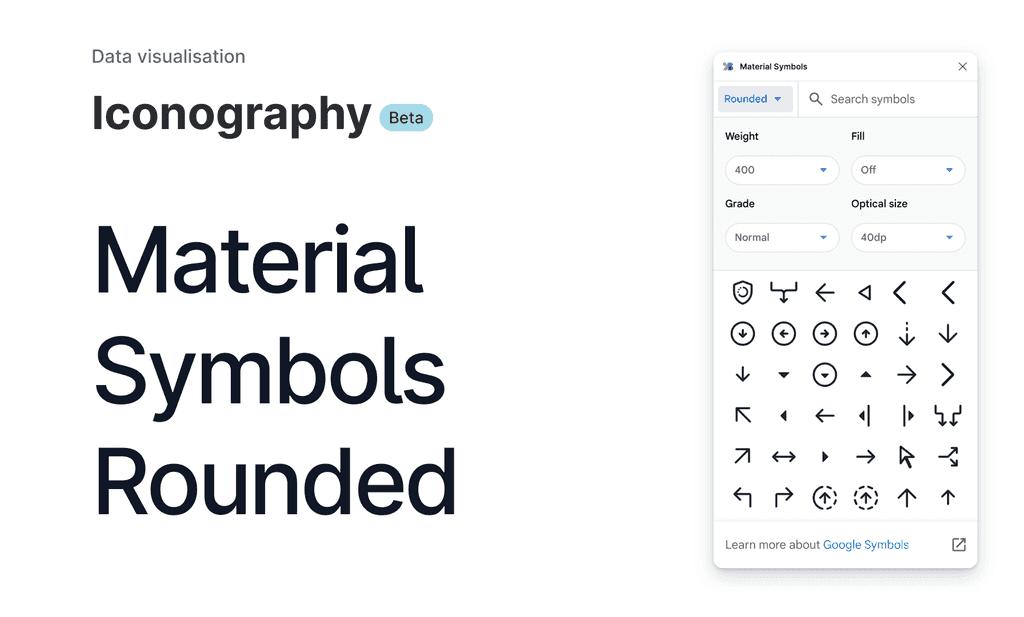
Font: We used the Inter font for its readability and flexibility. We also selected alternative character options to enhance legibility.
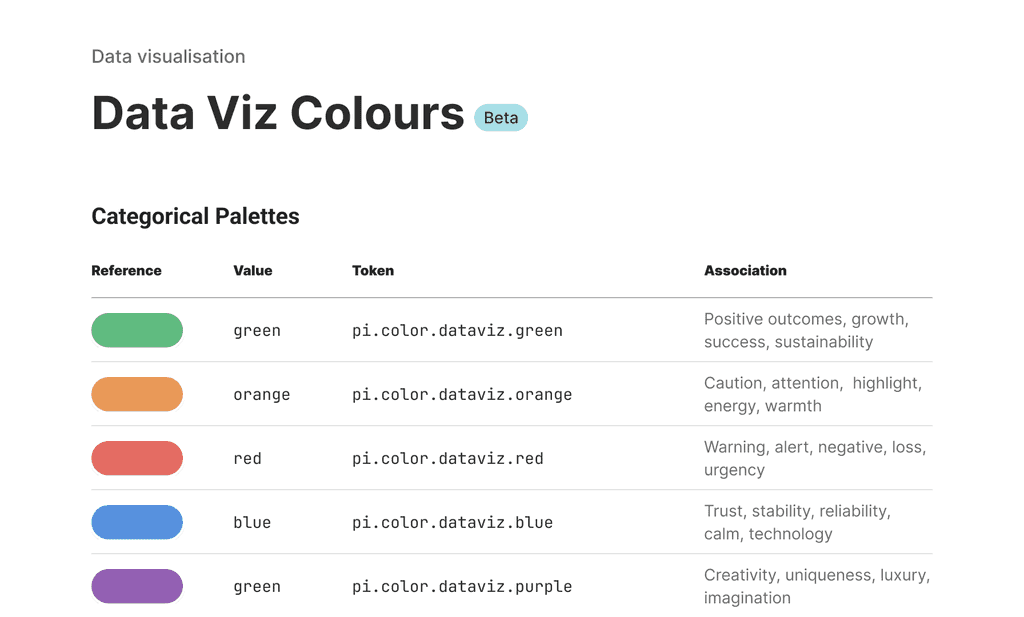
Font: We used the Inter font for its readability and flexibility. We also selected alternative character options to enhance legibility.
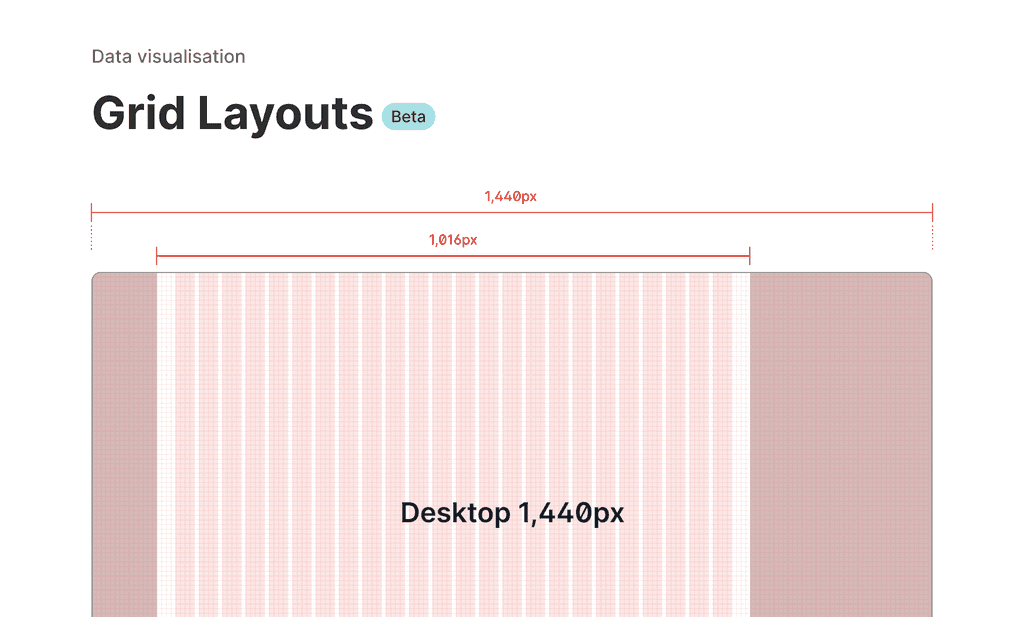
Font: We used the Inter font for its readability and flexibility. We also selected alternative character options to enhance legibility.
Tiny Details. Big Impact.
I zeroed in on the small yet impactful aspects of the UI to ensure effective data visualisation. These tweaks might seem minor, but they significantly enhance the user experience by making data clearer and easier to interpret.

Disambiguation: Used an alternate glyph set to clearly distinguish similar characters, such as 'l' and 'I' (capital 'i'), or a slashed '0' to differentiate it from 'O', enhancing legibility.
Disambiguation: Used an alternate glyph set to clearly distinguish similar characters, such as 'l' and 'I' (capital 'i'), or a slashed '0' to differentiate it from 'O', enhancing legibility.
Disambiguation: Used an alternate glyph set to clearly distinguish similar characters, such as 'l' and 'I' (capital 'i'), or a slashed '0' to differentiate it from 'O', enhancing legibility.
Disambiguation: Used an alternate glyph set to clearly distinguish similar characters, such as 'l' and 'I' (capital 'i'), or a slashed '0' to differentiate it from 'O', enhancing legibility.
Disambiguation: Used an alternate glyph set to clearly distinguish similar characters, such as 'l' and 'I' (capital 'i'), or a slashed '0' to differentiate it from 'O', enhancing legibility.
Disambiguation: Used an alternate glyph set to clearly distinguish similar characters, such as 'l' and 'I' (capital 'i'), or a slashed '0' to differentiate it from 'O', enhancing legibility.
Disambiguation: Used an alternate glyph set to clearly distinguish similar characters, such as 'l' and 'I' (capital 'i'), or a slashed '0' to differentiate it from 'O', enhancing legibility.
Disambiguation: Used an alternate glyph set to clearly distinguish similar characters, such as 'l' and 'I' (capital 'i'), or a slashed '0' to differentiate it from 'O', enhancing legibility.
Disambiguation: Used an alternate glyph set to clearly distinguish similar characters, such as 'l' and 'I' (capital 'i'), or a slashed '0' to differentiate it from 'O', enhancing legibility.
Six Months. Four Projects. One Designer.
With the UI fundamentals in place, let’s see the magic unfold as they transform property data into something far more usable.
Charts
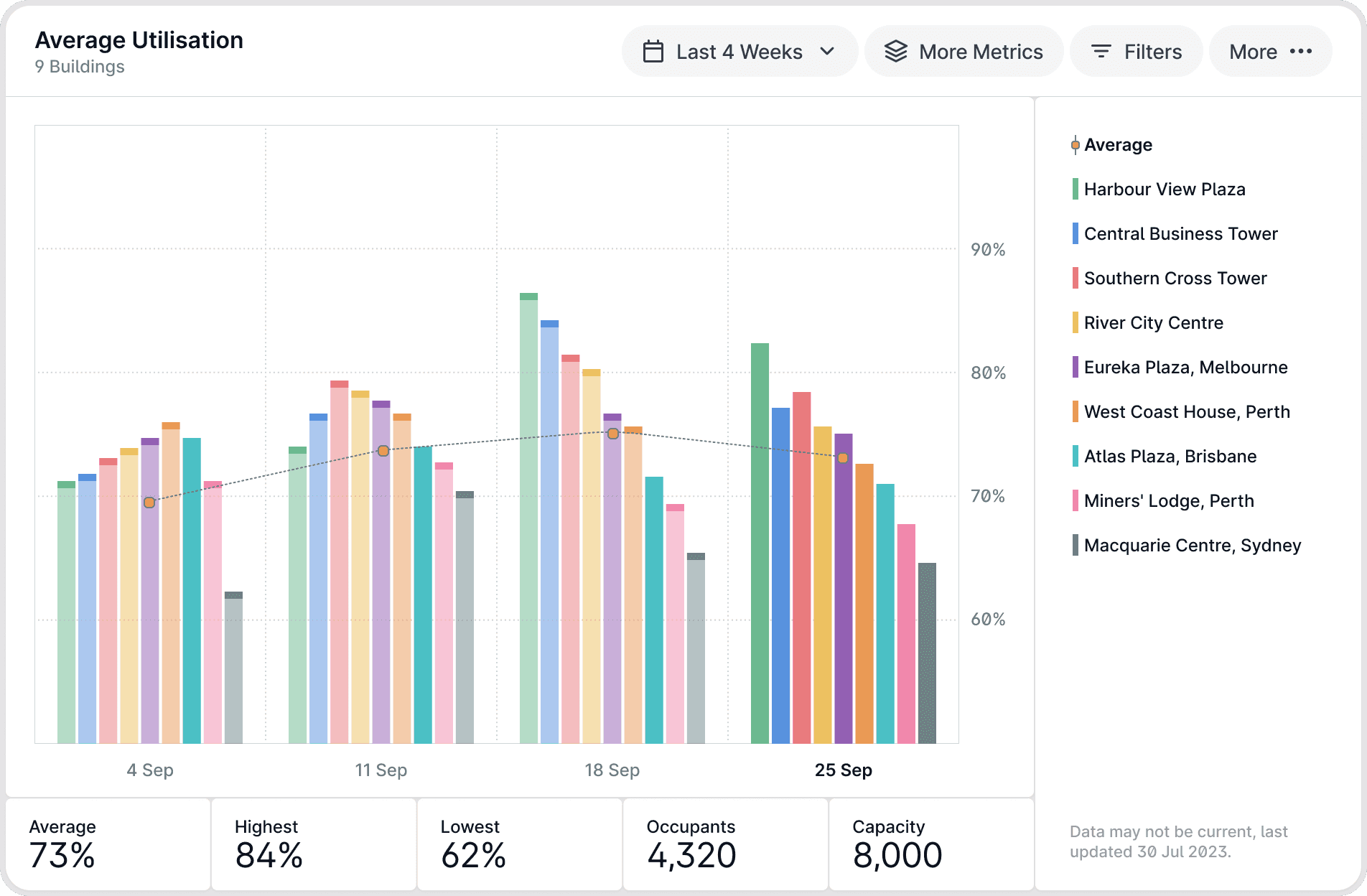
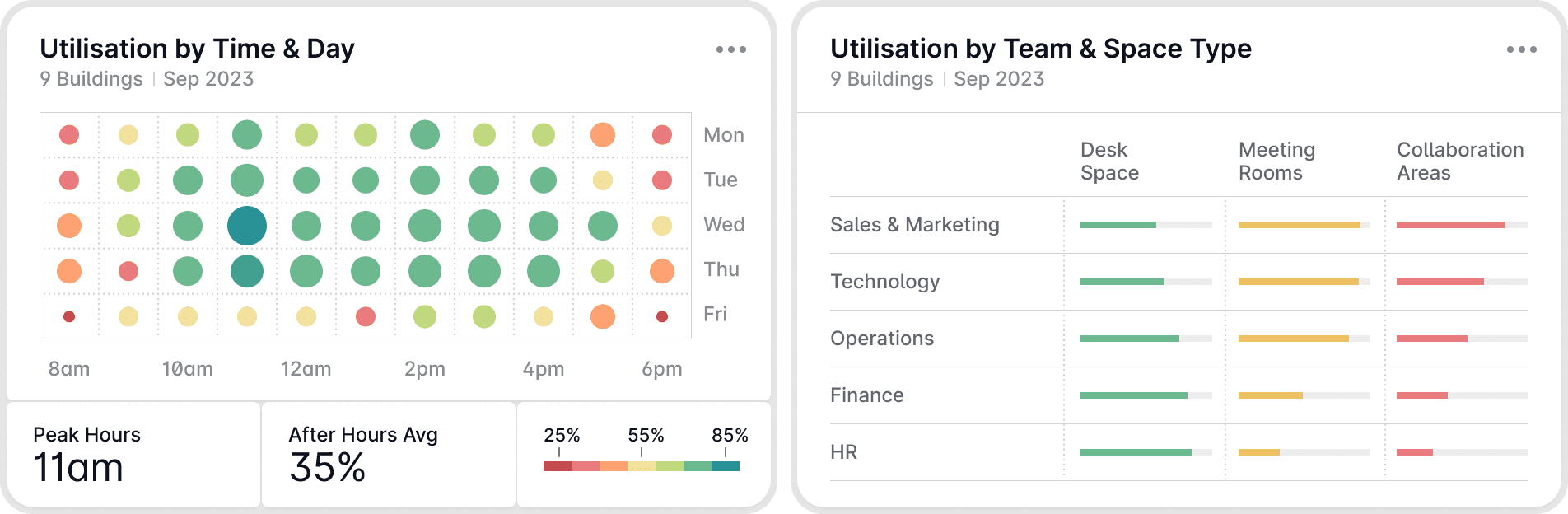
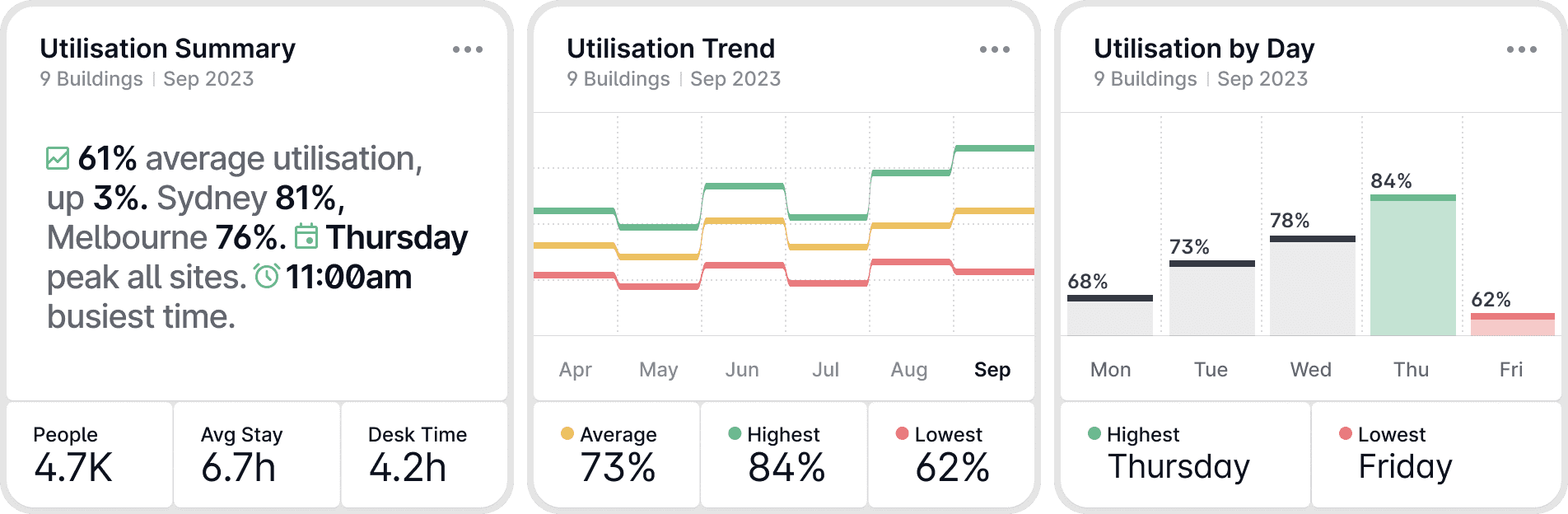
The system handles all types of complex data. We offer three chart options: small, medium, and full. They’re clean and minimal to balance data-heavy content, designed to be easy to read and beautiful.
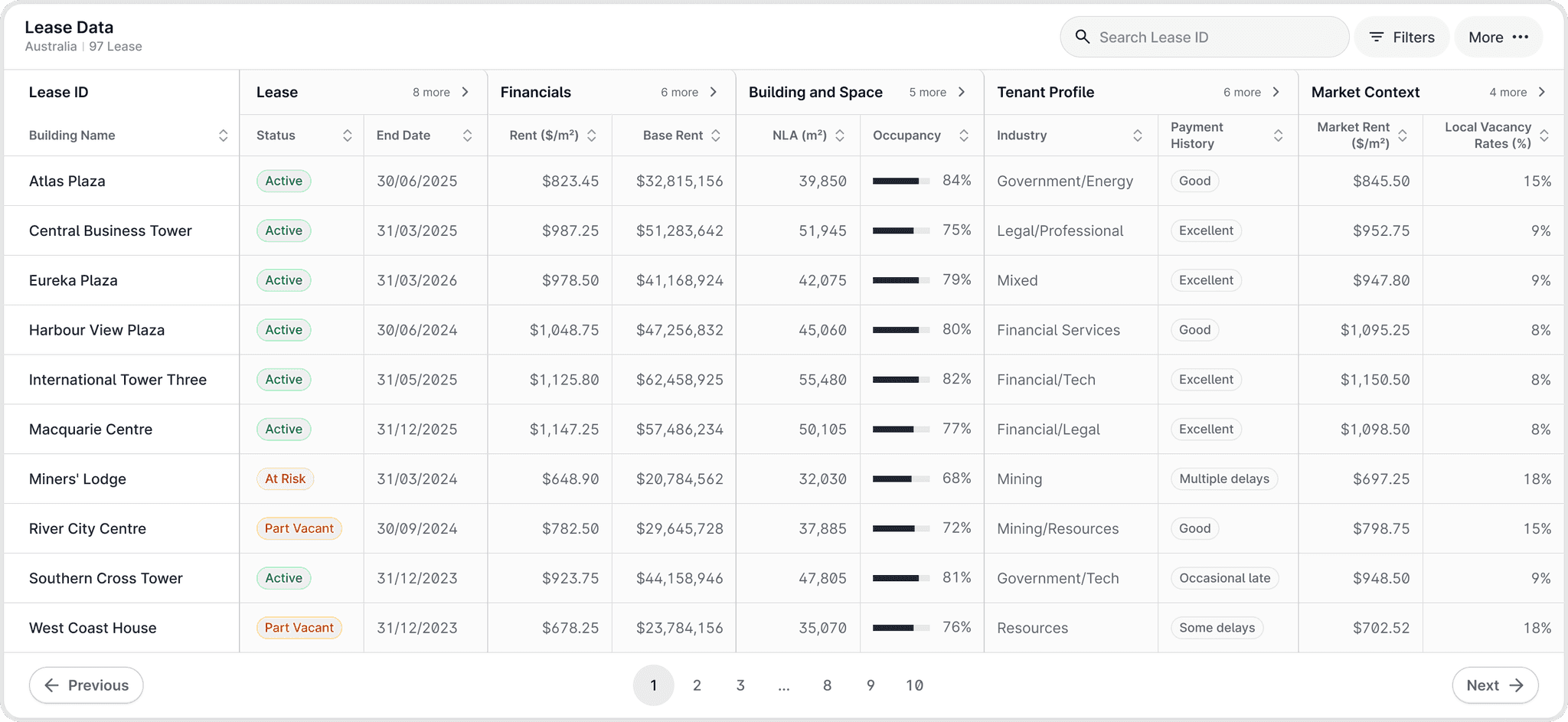
Tables
Property data’s often dense and complex. Instead of starting fresh, we’ve refined off-the-shelf tables with our UI tweaks. These small enhancements make data clearer and easier to scan, without the big development costs.
06. Closing
Journey Ends
This journey was a test of adaptability and focus, pushing me to grow in unexpected ways. Here are some standout moments.
Winning Moments
Delivered Solo: Covered all project requirements as the sole designer across four major projects. Sanity with 70-20-10: The 70-20-10 rule kept me organised. Dedicating 70% of my time to top priorities ensured deep focus without neglecting other responsibilities. Adapted Beyond Fintech: Quickly learned the nuances of commercial real estate to deliver effective designs in a new industry.
Lessons Learned
Strategy and Details Matter: Balancing overarching strategies with UI details is crucial. I applied Jakob’s Law for usability while fine-tuning typography to improve readability. Progress Within Constraints: Found ways to drive progress despite limited resources and a fixed scope, like leveraging existing design systems to cut development time. Stay Flexible: Adjusted the 70-20-10 rule as project priorities shifted—for instance, reallocated time when the Charts and Tables Enhancement became urgent.